Traditional tattoo stencil with AI
In about 30 seconds, no Photoshop. Free to try.
About traditional tattoo
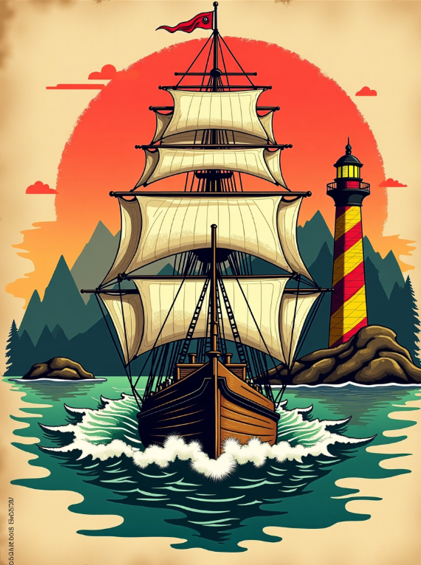
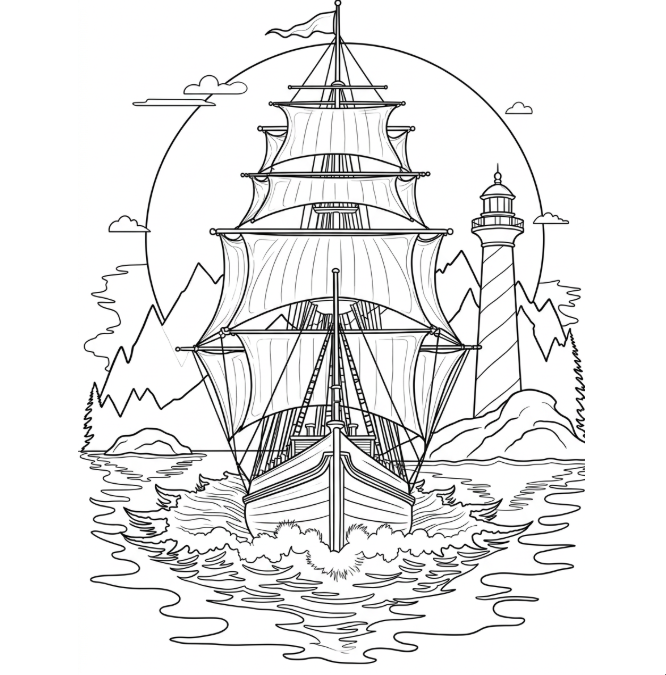
Traditional (American Traditional, Old School) is the foundational style of modern Western tattooing. Sailor Jerry, Don Ed Hardy, Bert Grimm — the visual language is clean icons (roses, anchors, pin-ups, eagles), bold closed black lines, limited palette (red, yellow, green, black). The stencil is basically ONE CONTOUR, nothing more — shading, gradient, and minor detail come during skin painting. That's why traditional is the most durable style: thick lines resist 10+ years without fade, solid fills don't spread. Decalker captures this preserving bold line weight and closed shapes — unlike realism where line is reference, in traditional the line IS the protagonist.
Defining characteristics
- ▸Bold closed black lines (1-2mm on skin)
- ▸Limited palette (red, yellow, green, black)
- ▸Classic iconography (rose, anchor, pin-up, eagle, ship)
- ▸No shading inside stencil — solid fills during session
- ▸Centered, symbolic, readable composition
- ▸Most DURABLE style — can last 15+ years without fade
How Decalker preserves the traditional linework
Decalker on Anime style preserves traditional line weight perfectly — bold lines on outer contours, slightly thinner inside, always closed. The model discards subtle shading that would exist in a colored reference and returns only the line skeleton you'll paint inside. For traditional, line weight discipline matters: 1mm minimum on skin = ~10px @ 1024px image. Decalker skin-physics-aware keeps this rule automatically.
Recommended Decalker style
Anime generates bold closed lines — exactly what traditional needs. Contour would be too thin, Sketch too loose.
Traditional tattoo artists use it for...
- 1.Traditional flash sheet (5-10 designs per paper for clients to choose)
- 2.Cover-up — bold lines + solid fills cover 100%
- 3.Patriotic/military tattoos (eagle, anchor, flag)
- 4.Pin-up + scripts (classic old school combo)
- 5.Traditional sleeve (layer-by-layer composition with icon elements)
Before-after examples