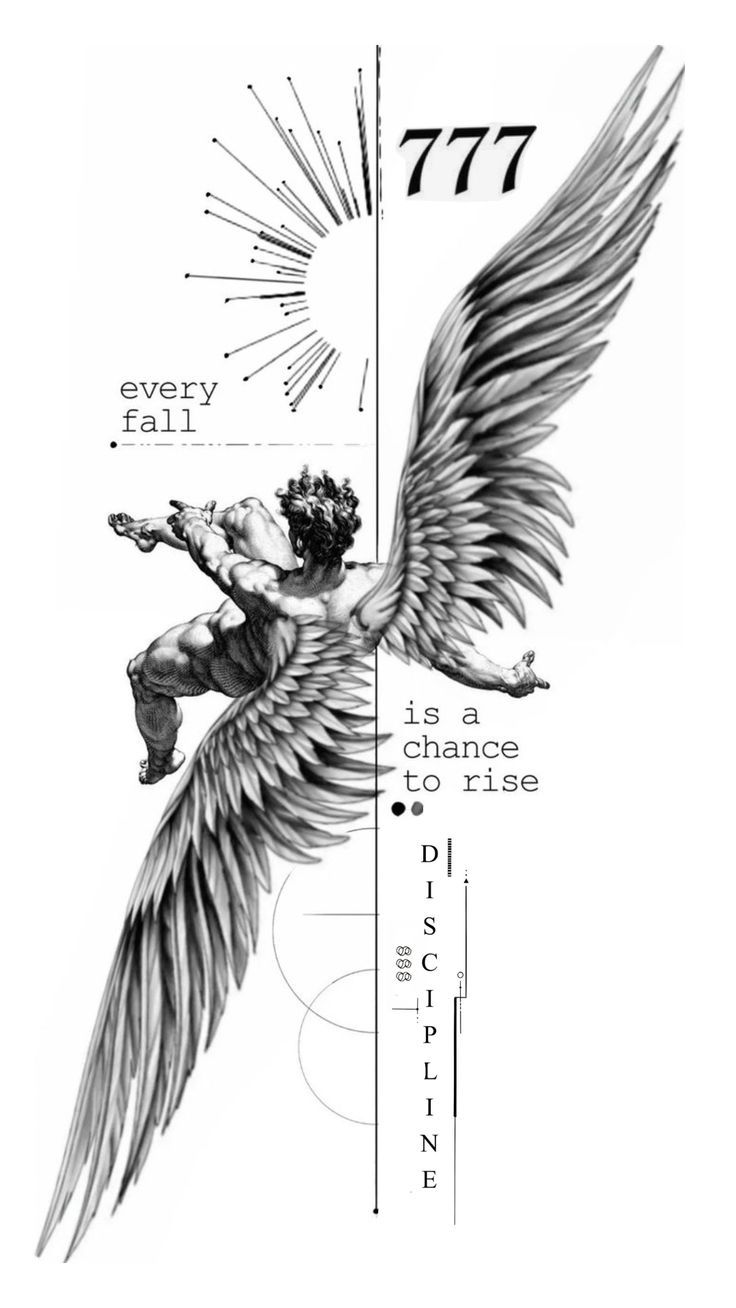
From tattoo artists, for tattoo artists.

Your photo becomesDecalker in about 30 seconds.

Drop in your colored, shaded, or rough sketch. AI returns the Decalker clean, true to your linework, ready for thermal printer or inkjet. No more 30 minutes in Photoshop.

Start free, 500 tokens/month. Pro from $9.90/month.

TatuadoraTatuadorTatuadoraTatuadorTatuadora

More than Decalkar, also Create with AI, Mix references, Try on skin, and Refine by text.
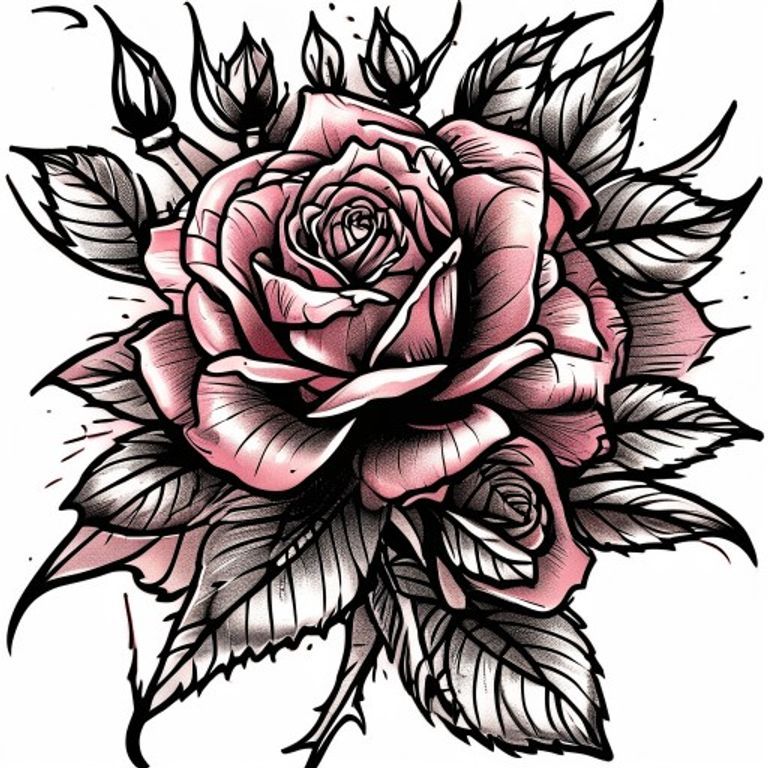
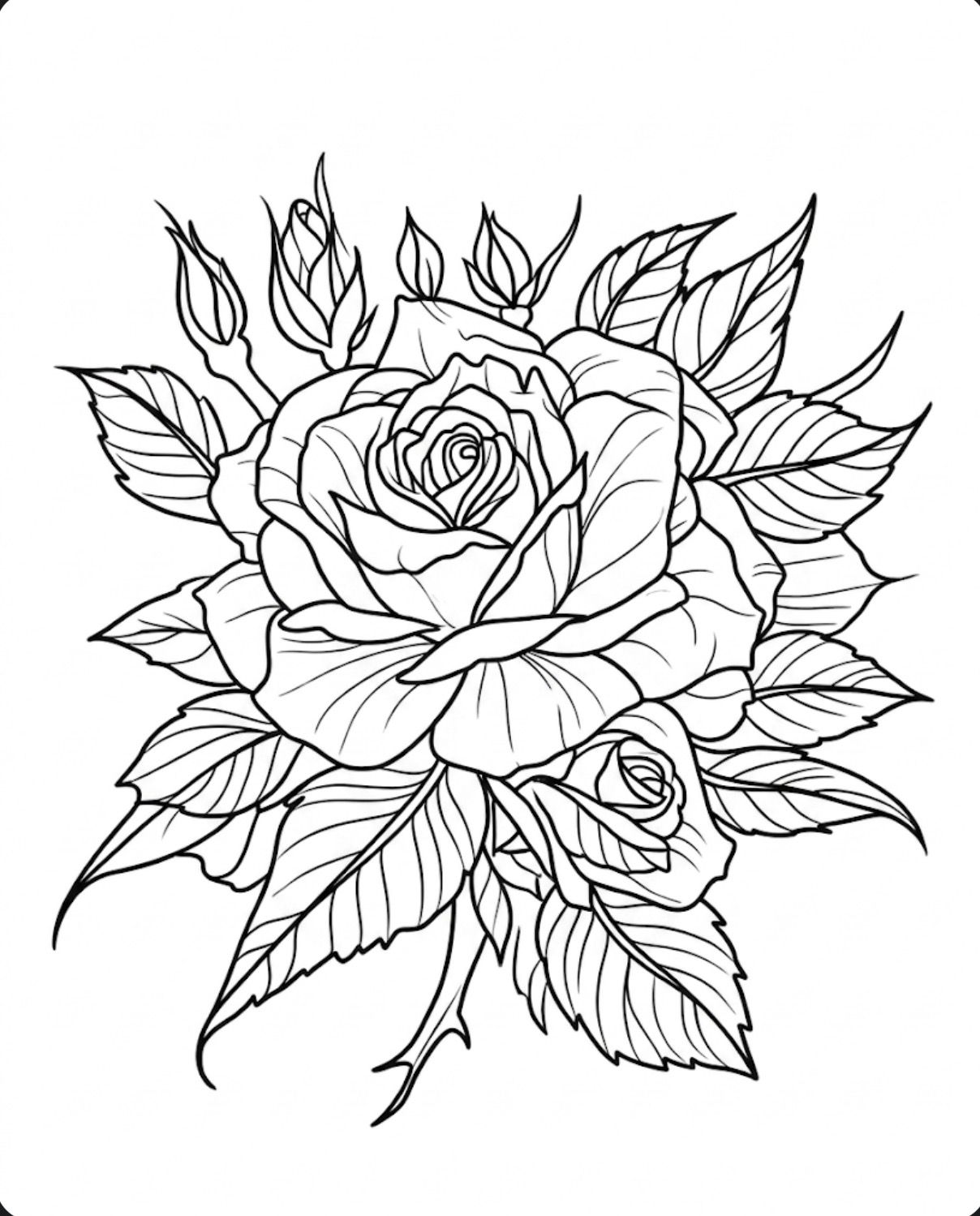
Foto colorida de tatuagem rosa neo-tradicionalStencil real Decalker da rosa em linhas limpas
Neo-traditional
01 · Originalprocessando
Join
the first tattoo artists
All time
0Decalkers created
Drop your artwork here or click to upload
PNG, JPG, WEBP. Up to 3MB.
5 tools in 1

Everything you need, in one place.

From idea to Decalker, ready for the needle. Not just another EFFECT, it's an AI STUDIO, by tattoo artists for tattoo artists.
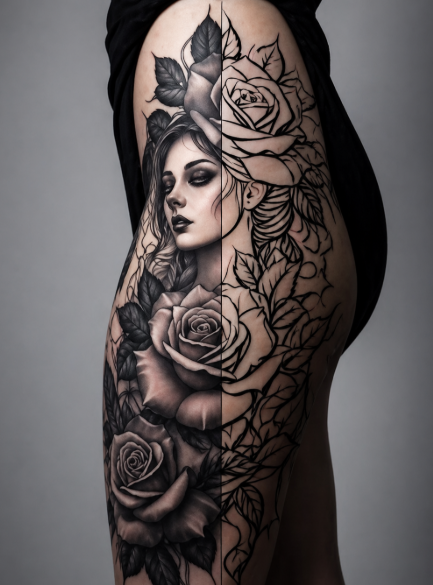
Decalkar
Tatuagem realista decalkada na pele
✓ decalkado
foto → stencil → pele~30s
01/05
Examples

What Decalker does with your artwork.

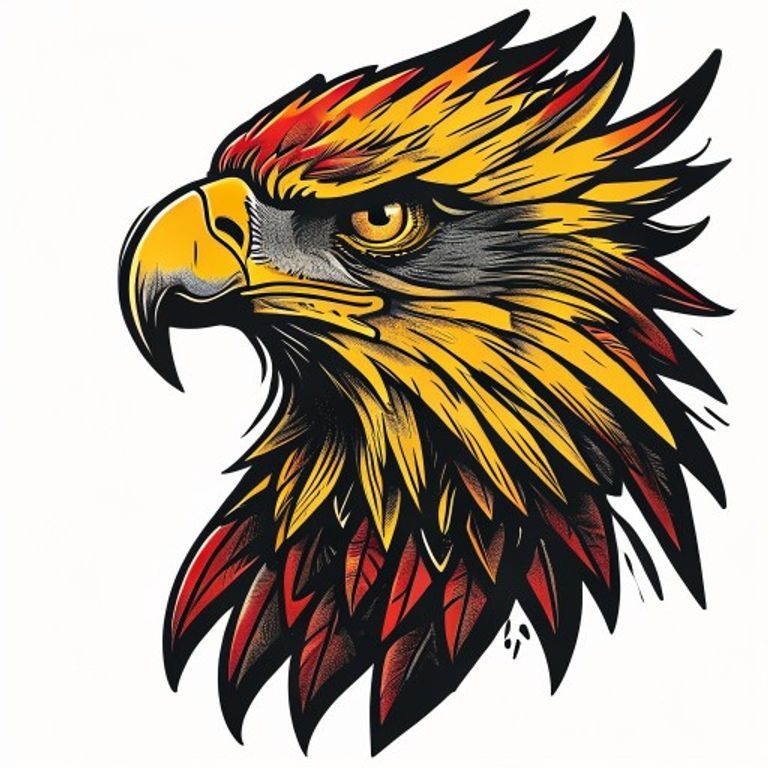
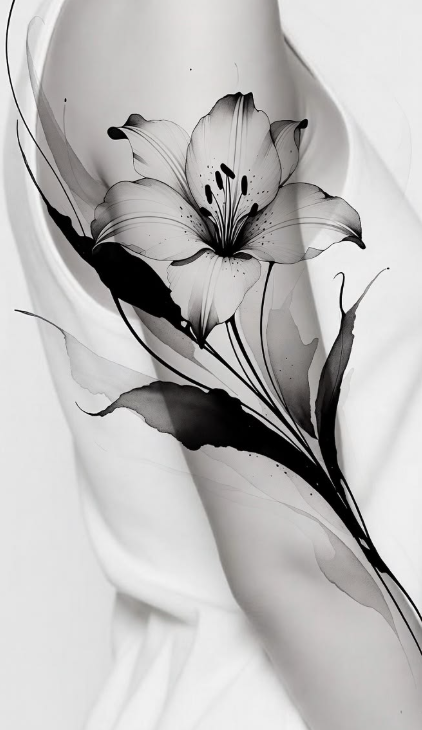
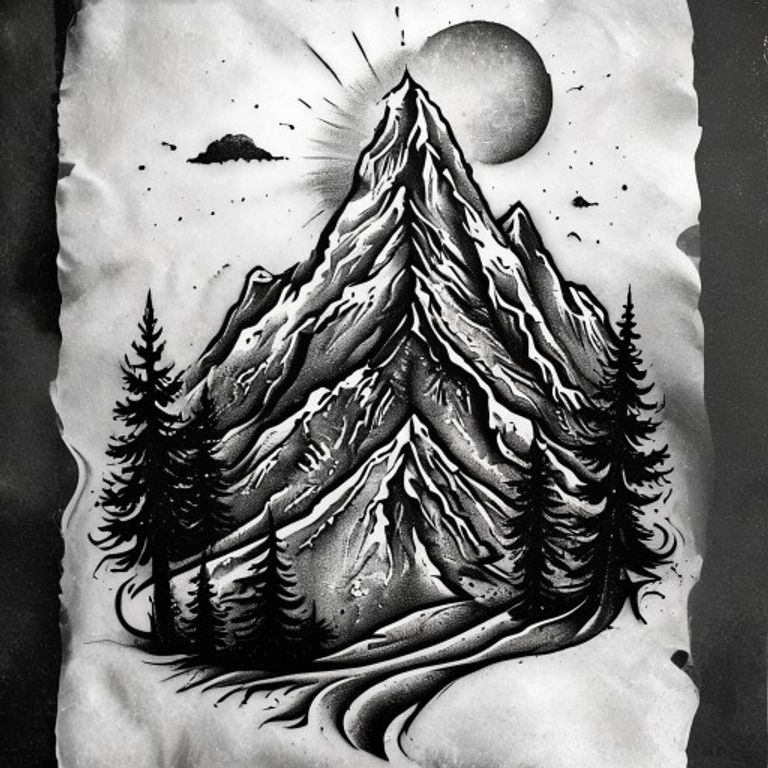
Any style. Color, blackwork, realism, fineline, watercolor. The right line, every time.

↔ Drag the slider to see the transformation
For every style

Works with any tattoo style.

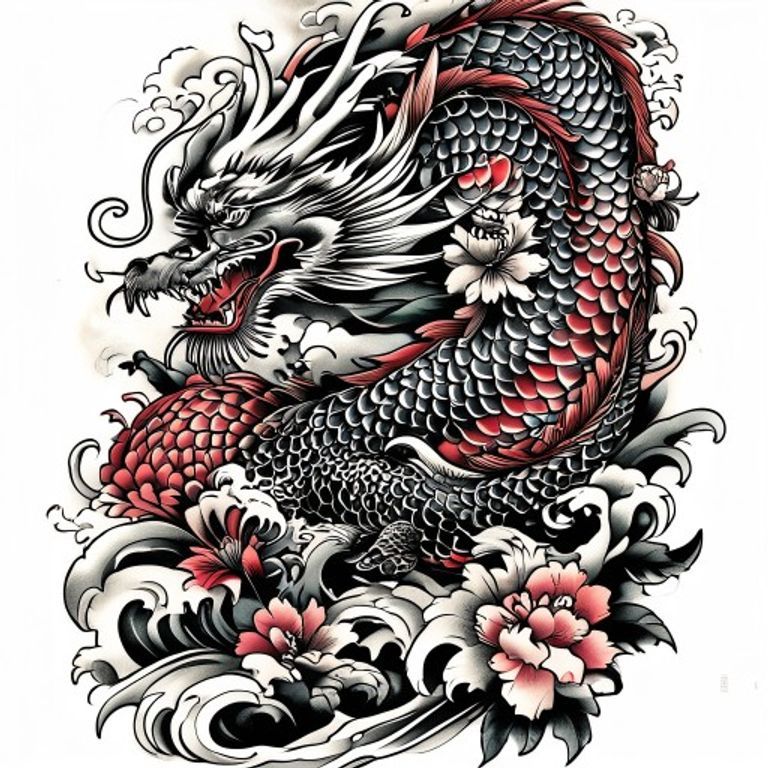
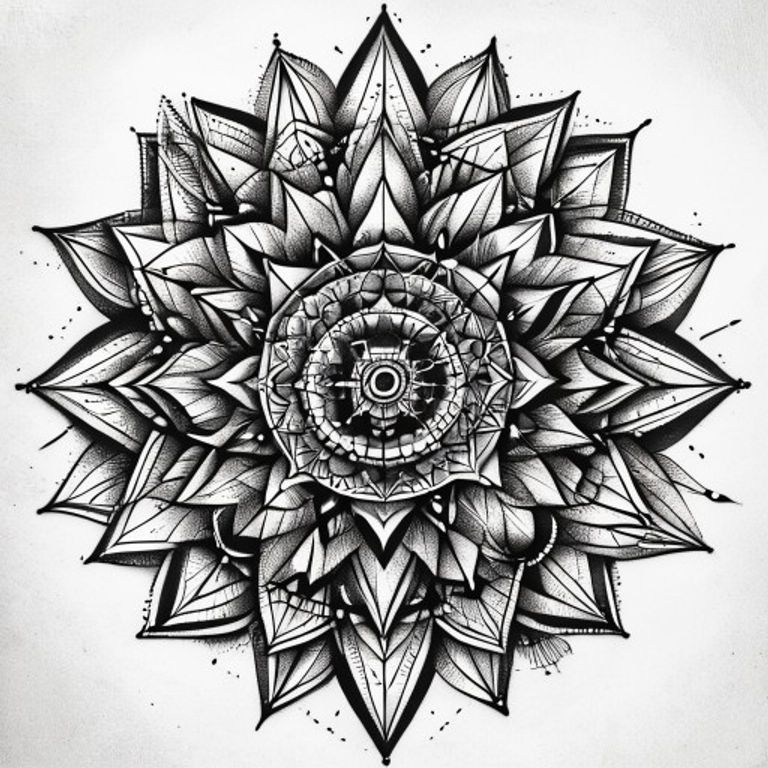
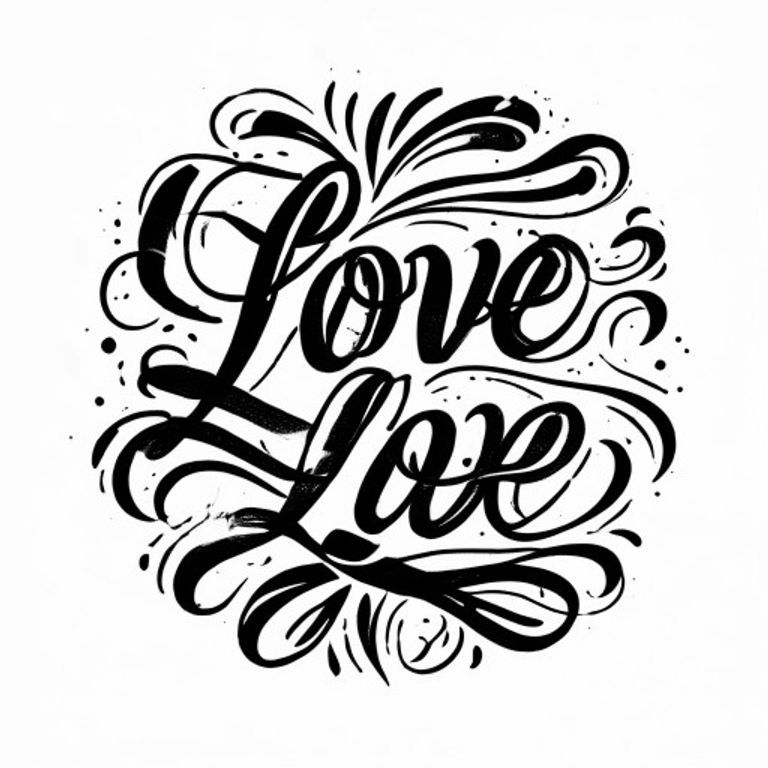
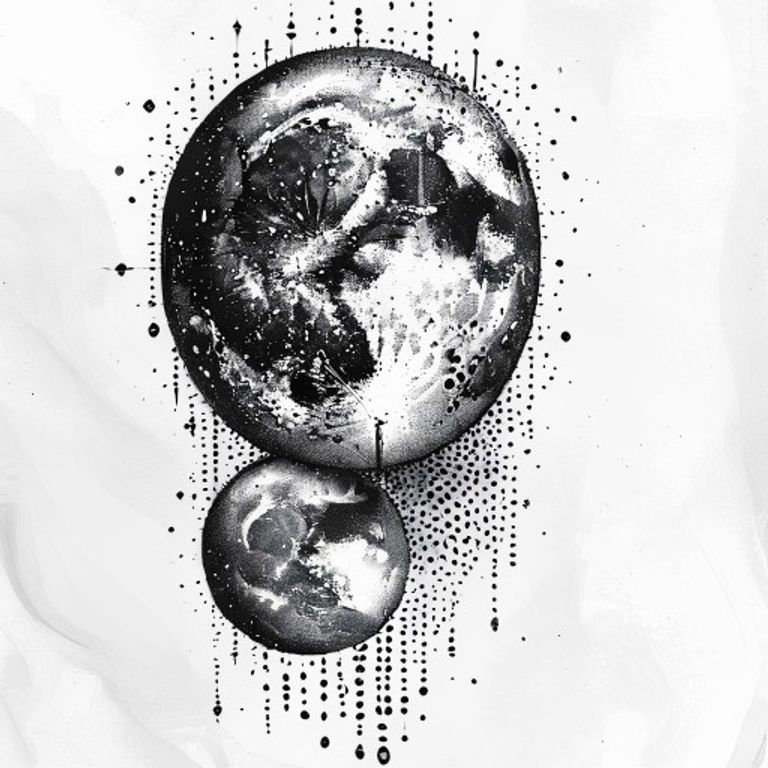
Realism, traditional, fineline, blackwork, japanese, neo-traditional, geometric, lettering, dotwork, minimalist. The AI preserves each one's linework.
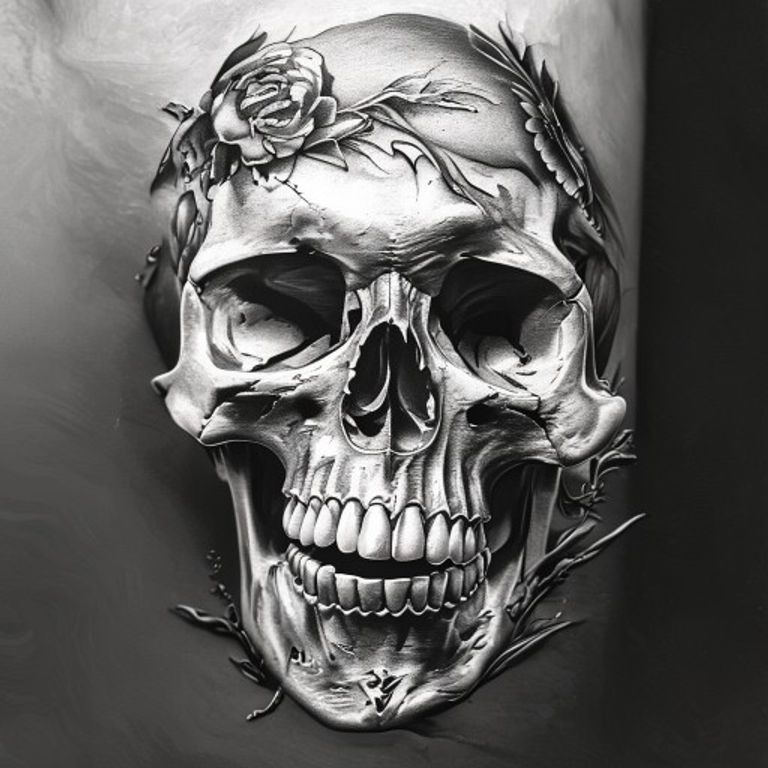
Realismo

Realismo

linhas precisas

Traditional

Traditional

outline forte

Fine line

Fine line

tracinho delicado

Blackwork

Blackwork

preto solido

Japanese

Japanese

irezumi flow

Realismo

Realismo

linhas precisas

Traditional

Traditional

outline forte

Fine line

Fine line

tracinho delicado

Blackwork

Blackwork

preto solido

Japanese

Japanese

irezumi flow

Neo-traditional

Neo-traditional

outline + cor

Geometric

Geometric

linhas exatas

Lettering

Lettering

tipografia limpa

Dotwork

Dotwork

pontilhado fino

Minimalist

Minimalist

menos e mais

Neo-traditional

Neo-traditional

outline + cor

Geometric

Geometric

linhas exatas

Lettering

Lettering

tipografia limpa

Dotwork

Dotwork

pontilhado fino

Minimalist

Minimalist

menos e mais

Decalker vs. Photoshop

Photoshop, you can rest.

Average tattoo artist spends 30 to 40 minutes per design in Photoshop to extract a stencil. Decalker does it in about 30 seconds, with 1 click. Same quality, fraction of the time.

Old way
Photoshop manual
30-40
minutos
18
ferramentas
$$
licenca
Tools needed
Threshold
Levels
Curves
🖌Brush
Eraser
Mask
Selection
Layers
Blend
High Pass
Sharpen
Desaturate
+6 mais
Months of learning curve. Result depends on your skill with 18 tools. One mistake = start over.
Decalker
Decalker
~30s
por stencil
1
click
R$0
500 tokens grátis/mês
Single button
✦ Decalkar →
Decalkar
Criar com IA
Misturar
Ver na pele
Refinar
AI trained to respect your linework. One mistake = click again. 5 extra features (Create, Mix, Try on skin, Refine) already included.
On average you save~30 minper Decalker. 10 a month = 5h reclaimed.
FAQ

Common questions.

Will it mess up my artwork?
No. The AI was trained to preserve proportion, structure, and your original linework. It strips shadow and color. It doesn't reinterpret your drawing.
How is it different from Photoshop?
Photoshop takes 20 to 40 minutes and demands real skill with the tools. Decalker does it in about 30 seconds, right in the browser, zero learning curve. It's a shortcut, not a replacement.
Does it work for realism?
Yes. For realism, Decalker pulls the main contour and the reference points you use to guide shading on skin. Go with the Contour style for this one.
How much does it cost?
Free comes with 500 tokens/month, combining all 5 features. Paid plans start at Pro ($9.90/month, 5,000 tokens) and Studio ($19.90/month, 10,000 tokens). No catch, cancel anytime.
Where are my artworks stored?
Generated Decalkers stay in your library until you delete them. Deleting an item (or your account) also removes the image files. The original photo you upload is only used during generation and isn't kept afterwards. We don't train AI on your work. Authorship is yours, period.
Does it work with any printer?
Not directly with every model. Decalker generates PNG, SVG, and a 1:1 PDF. Thermal printers whose app imports PDF can receive the file through sharing; AirPrint appears only for compatible network printers. Check the paper format and required app in your printer manual, then print at 'actual size / 100%'.
Can I create full flash sheets?
Yes. Use Create with AI to generate 4 variations per prompt, plus Mix to fuse references into a single design. Each generation spends tokens from your plan.
Does it work with watercolor or color?
Yes. Decalker pulls lines from any style: realism, traditional, fineline, blackwork, japanese, watercolor. The line goes to print; color you apply on skin. For client preview, use Try on skin.
Can I resell or use commercially?
Yes. You keep 100% copyright of original images you upload. Generated Decalkers are licensed for commercial use: tattoos on clients, portfolio, personal marketing. No royalty.
Is there a mobile version?
Yes, and it works as an app. On mobile, open the site and use 'Add to Home Screen' (iOS) or 'Install app' (Android). Becomes a native-like icon, opens standalone, supports camera directly.